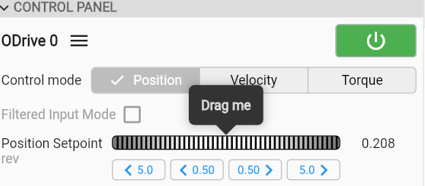
We want to do the motor position test in the cycle of forward-and-reverse mode, is there any way in the control panel or other place in software to achieve this continuous cycle test? Thanks.
Hi! My general recommendation would be to make a quick script to control it over Python: Python Package — ODrive Documentation 0.6.12 documentation
However, the ODrive does have a self-stimulus mode to track internally-generate sine wave setpoints.
In ODrivetool or the inspector tab of the GUI:
axis0.controller.config.input_mode = InputMode.TUNING
axis0.controller.config.control_mode = ControlMode.POSITION_CONTROL
axis0.requested_state = AxisState.CLOSED_LOOP_CONTROL
Then you can set your desired sine wave frequency and amplitude via axis0.controller.autotuning.frequency (Hz) and axis0.controller.autotuning.pos_amplitude.
Thank you for your prompt support, I tried in inspector tab of the GUI, the solution appears working.
1 Like
We test the sine wave setpoints and it works, but is there a way to generate a square wave setpoint with the same frequency and amplitude? How to configure? That’s what we need to test motor in our application
Hmm, for position control no, but for velocity and torque control you could set axis0.controller.config.vel_limit and/or axis0.config.torque_soft_min + axis0.config.torque_soft_max, then set the amplitude very high so it clips almost immediately.
Though at this point, why not something like a Python script commanding the ODrive?
Yes, we could use Python script commanding the ODrive. Is script able to generate square wave for position control? If so, please provide us example script.
You can see an example here that can be easily adapted for any waveform you’d like: Python Package — ODrive Documentation 0.6.12 documentation
Hi Solomon, thank you so much for your guidance, I can create square signal using SciPy or pure Python.
I do have another question, in the GUI of Dashboard, there are 4 buttons for positions, <5.0, <0.5, 0.5> and 5.0>. We are really interested in quarter turn of the motor, means we need buttons like <0.25 and 0.25>. Is there a way how to achieve it? or can you simply update your GUI for us to test our motor? And we will buy more ODrive Pro if this feature is available. We highly appreciate all your support.
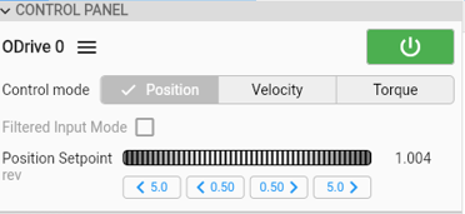

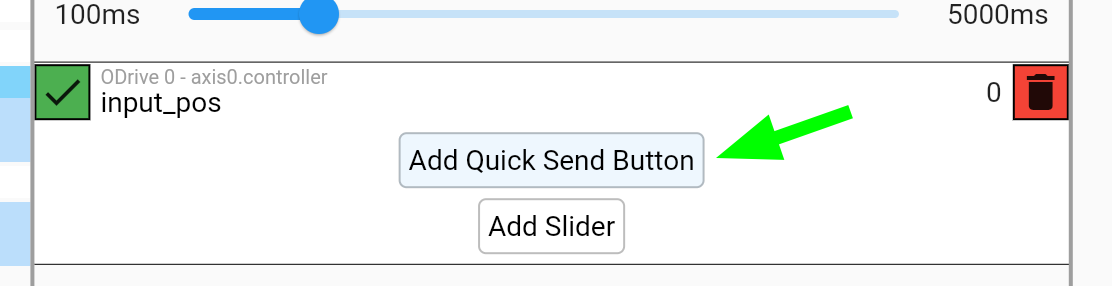
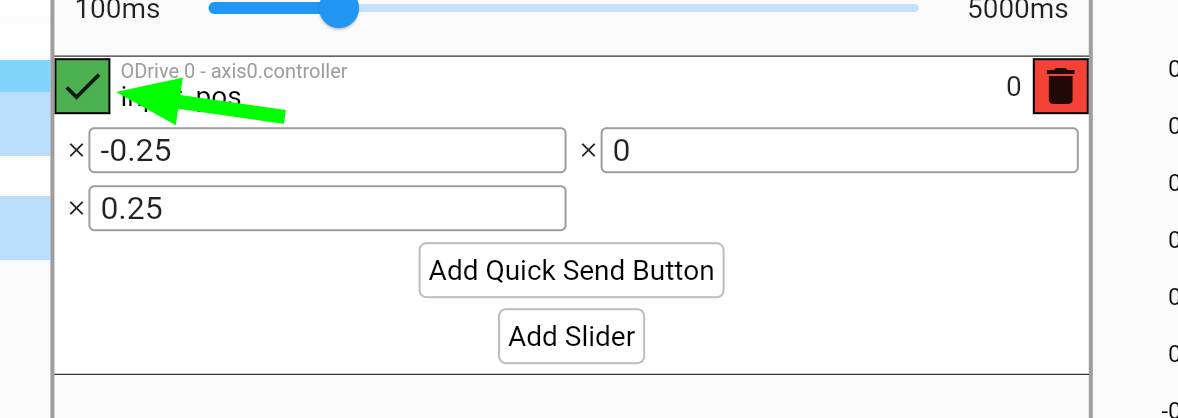
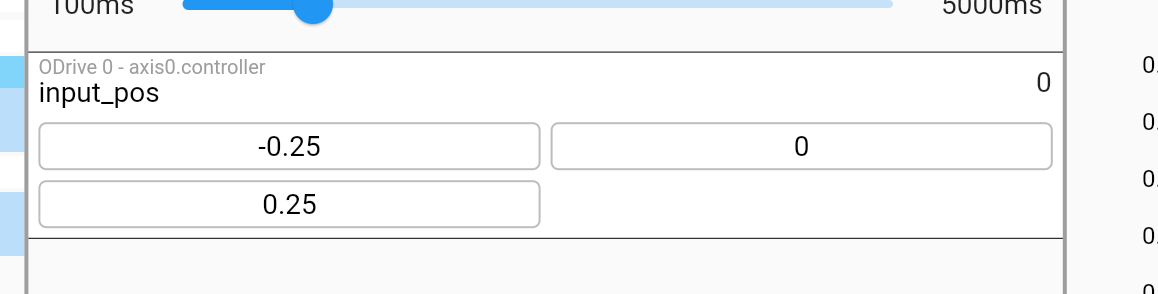
The new buttons were not added, maybe I don’t have the version of software you have, or I missed any steps?
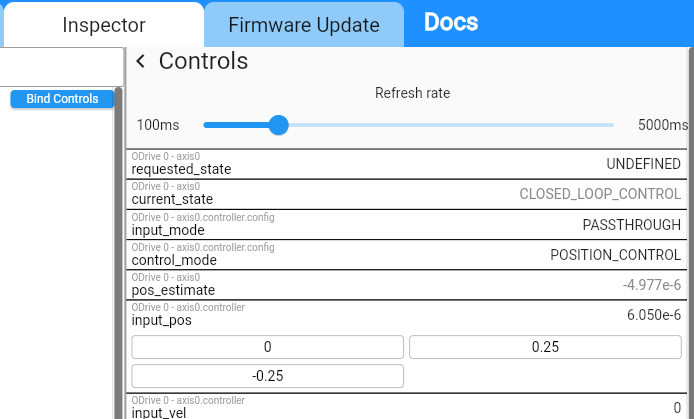
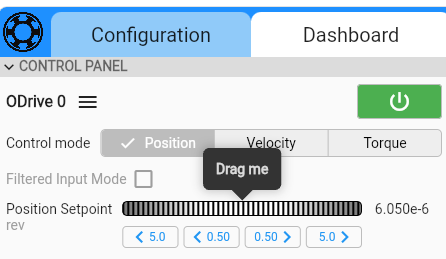
Hi! Sorry if I wasn’t clear. This will just add the buttons in the inspector tab, so you can move the motor to desired setpoints yourself.
Thanks for the feature request though, I’ll add it to the list!
If I may ask – are you looking at using the GUI in a production environment? I may recommend a quick Python script if you need very simple user control like this; the GUI is typically intended for bringup / testing / tuning.
We are using the GUI to test different motors in a research project, not for production. We are planning to buy multiple ODrive Pro for several team members in different facility to test different tasks.
If you can add the buttons or numerical input box for position in GUI, it will much convenient for us. Since we are focusing on quarter turn of the motor. The half turn buttons cause motor overturn and the dragging wheel is very hard to set accurate position, not very useful.
You may simply replace <5.0 and 5.0> with <0.25 and 0.25> in the GUI. Please let me know once you add the feature. Thanks for your understanding and support.